
Institutions
One platform, four kinds of teaching room
A hospital simulation center, a medical school, an undergraduate healthcare program and a high school health science or CTE program are not the same customer. The Asclepius virtual dissection table serves all four — what changes is the model, the software and the lesson plan. This page goes through each in turn.
Medical Simulation Centers
Rehearsal that can be repeated as often as the skill needs
Asclepius supports clinical skills training, basic simulation case studies and collaborative team training in a simulation center, all on 3D anatomy that can be taken apart, restored and taken apart again.
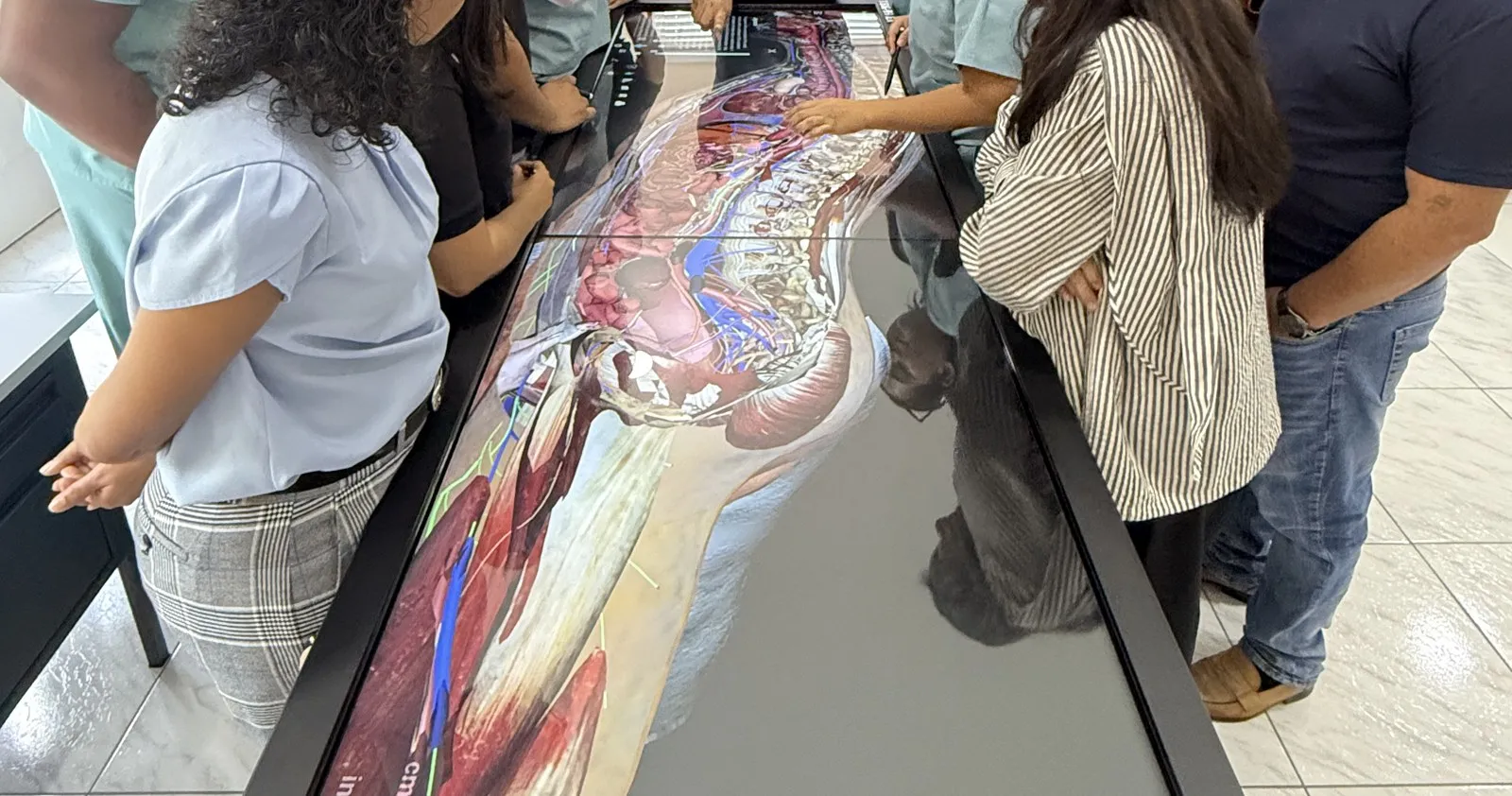
Clinical skills, guided step by step
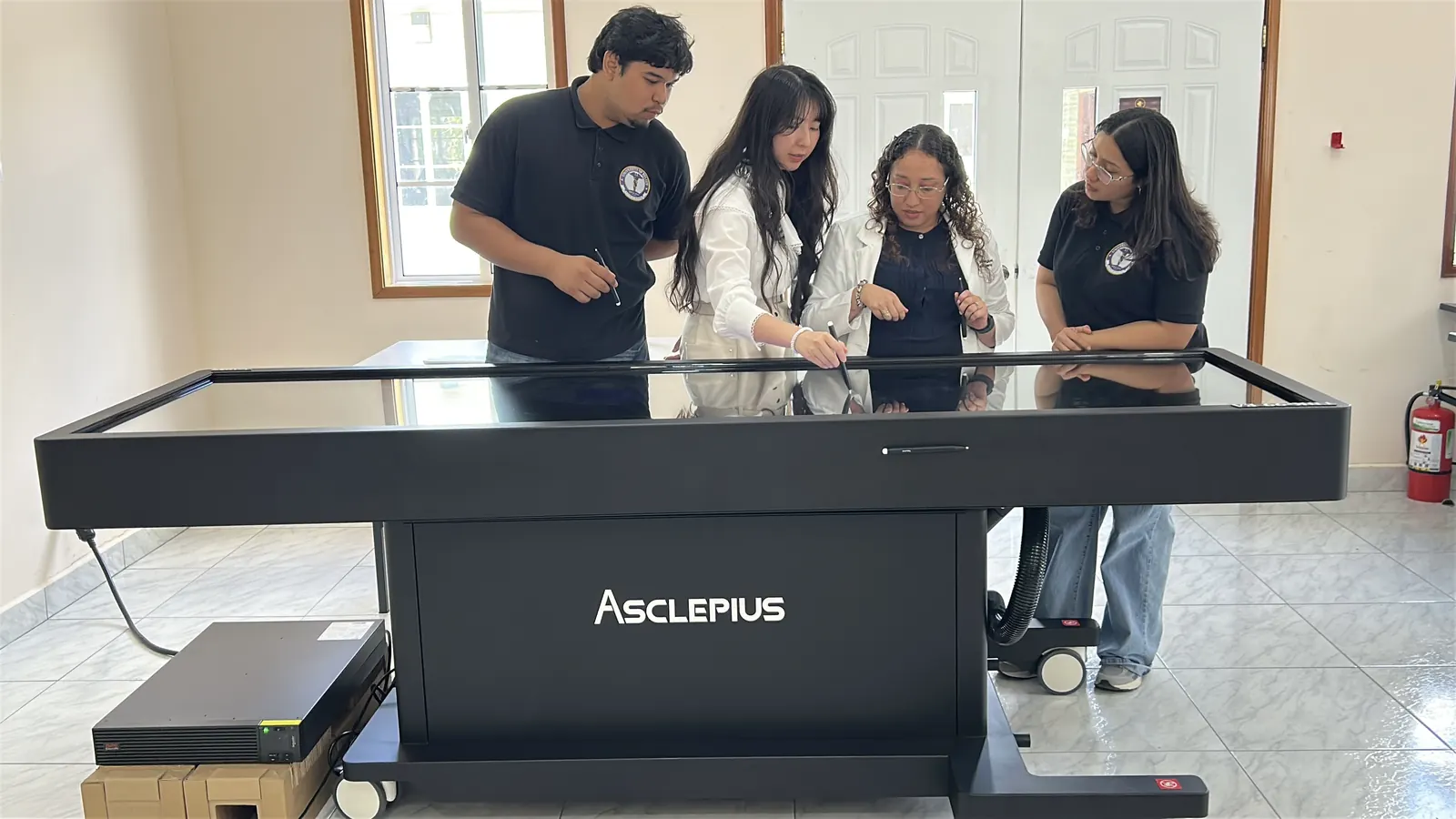
Real-world case studies
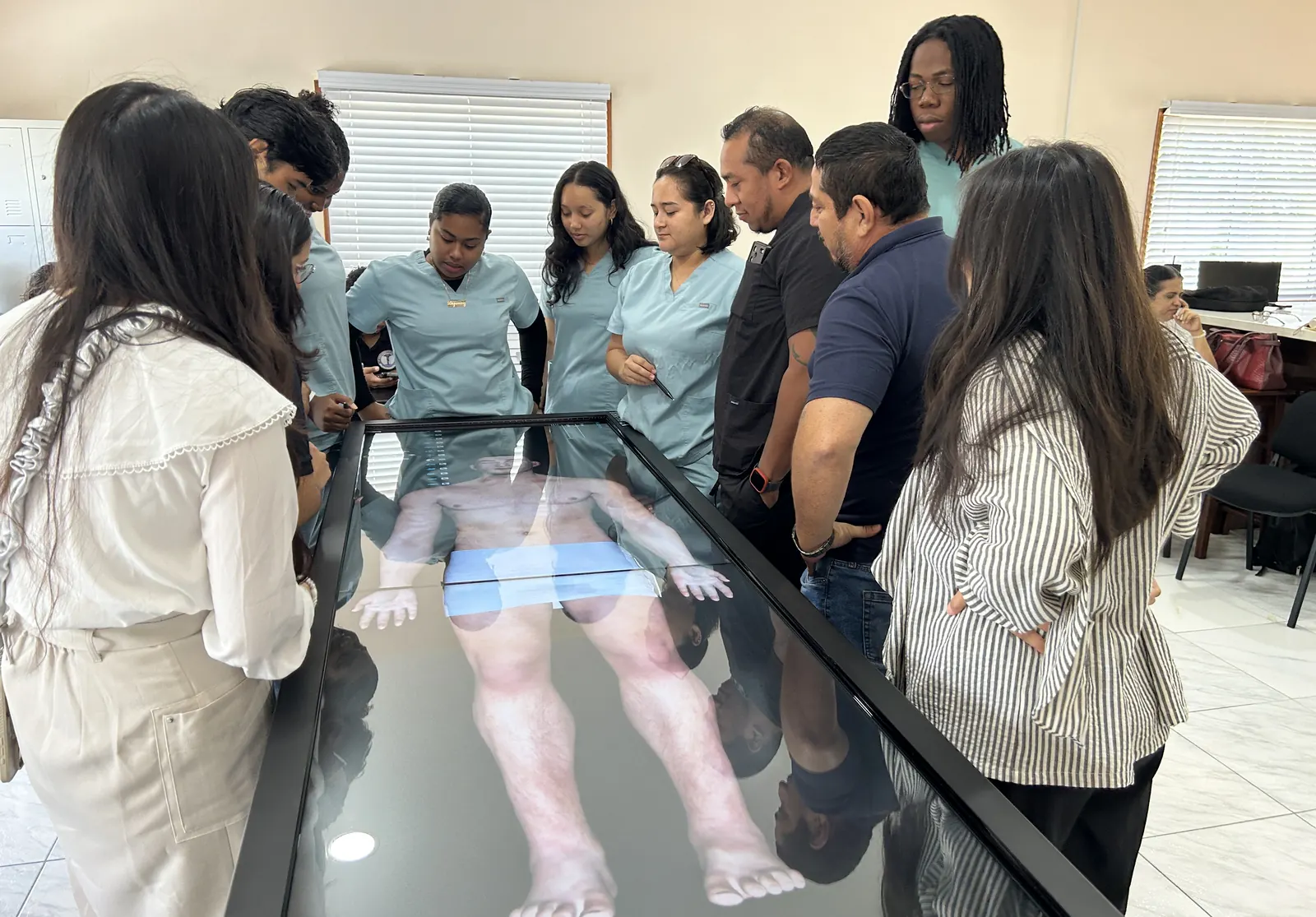
Collaborative team training
Several people work the same case at once: shared observations, a joint diagnosis, a treatment plan argued out loud. Team communication and joint decision-making get practised, not assumed.
Medical Schools
Nurturing future physicians
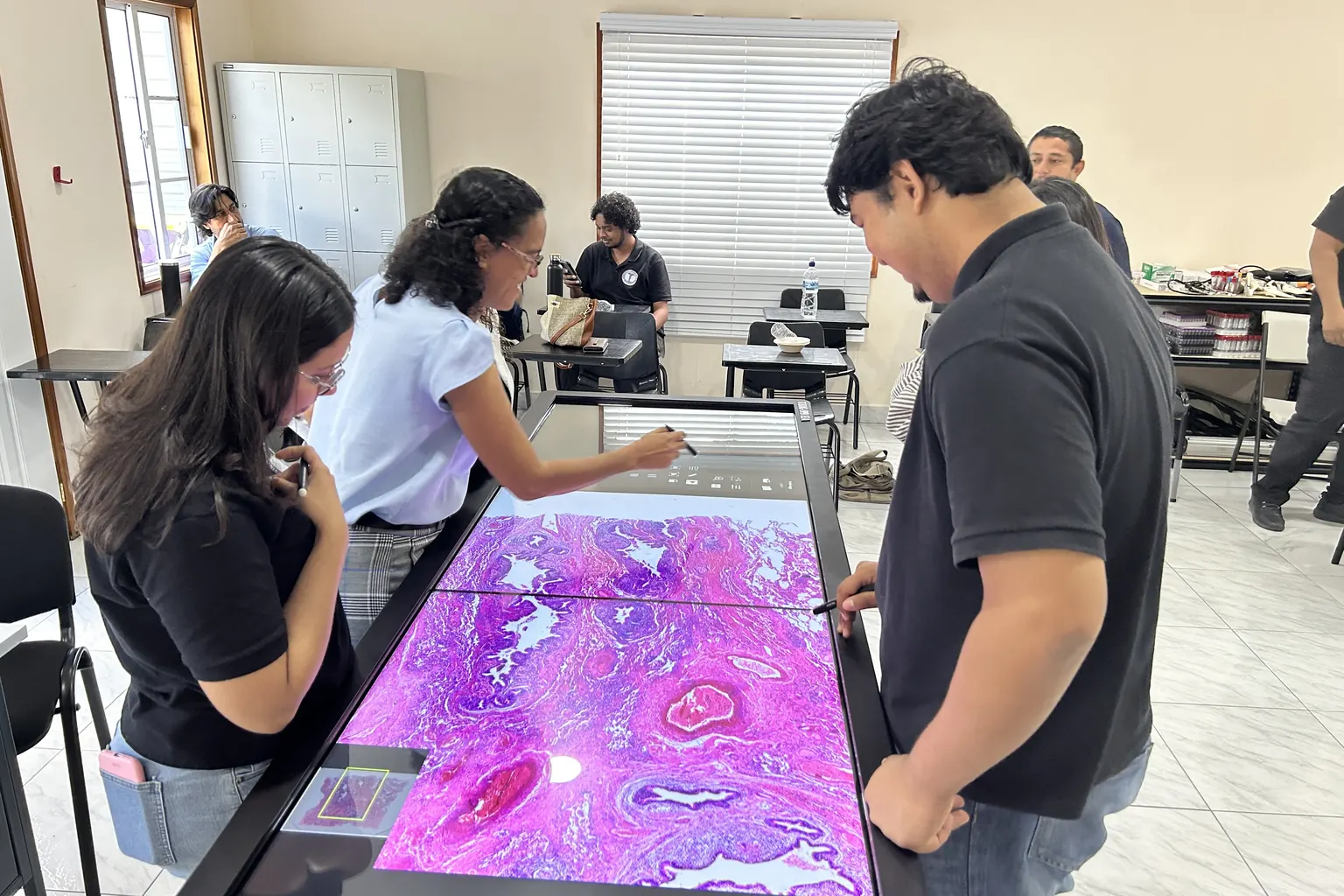
Theory on its own does not produce a physician. Asclepius puts hands-on experience alongside the lecture: anatomy, physiology and pathology explored on digital humans, with clinical procedure and case analysis practised on top of them.
Digital anatomy in the basic medical curriculum
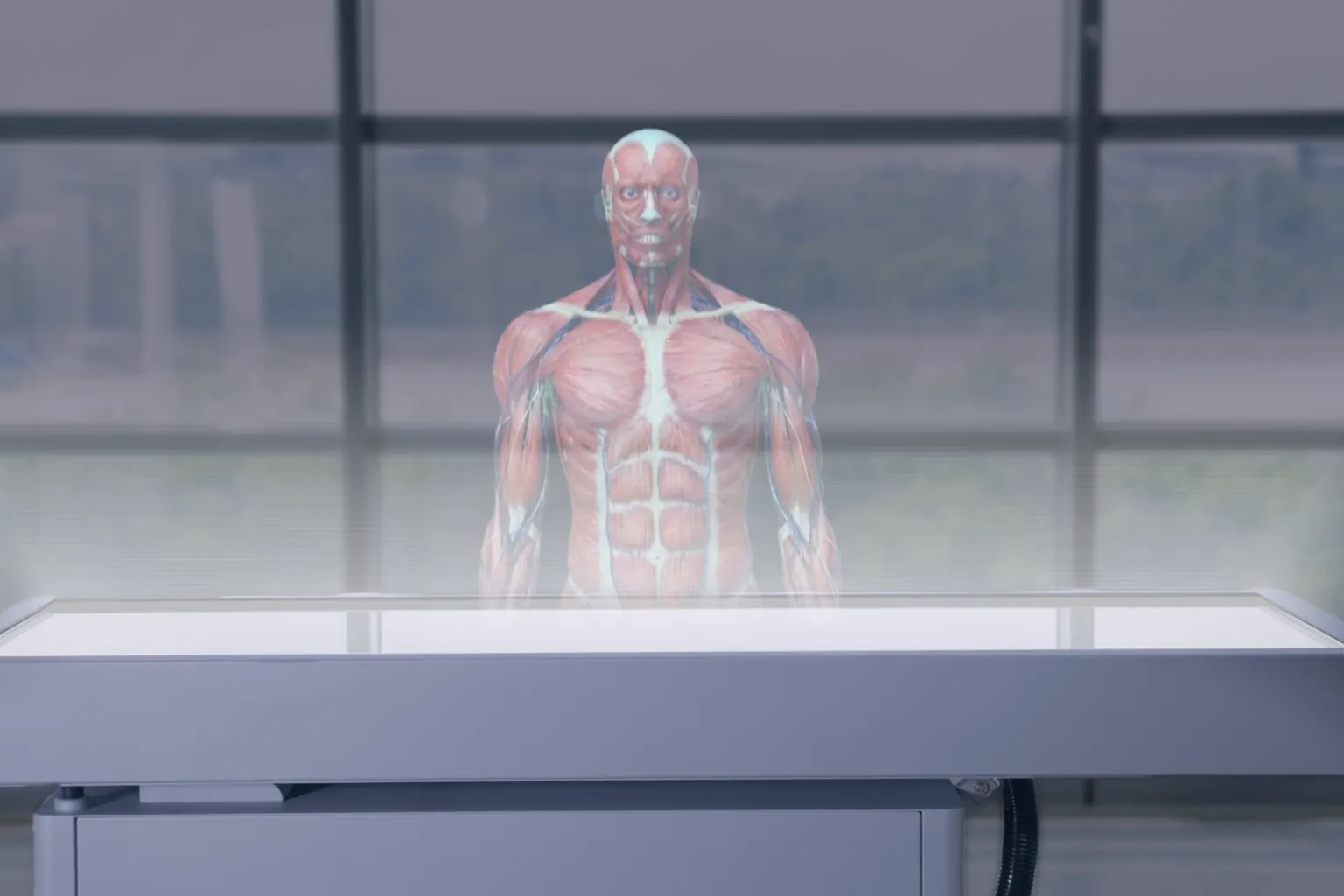
Every anatomical structure is individually labeled, so the same body serves a gross anatomy session, a physiology lecture and a pathology seminar without anything being prepared in between.
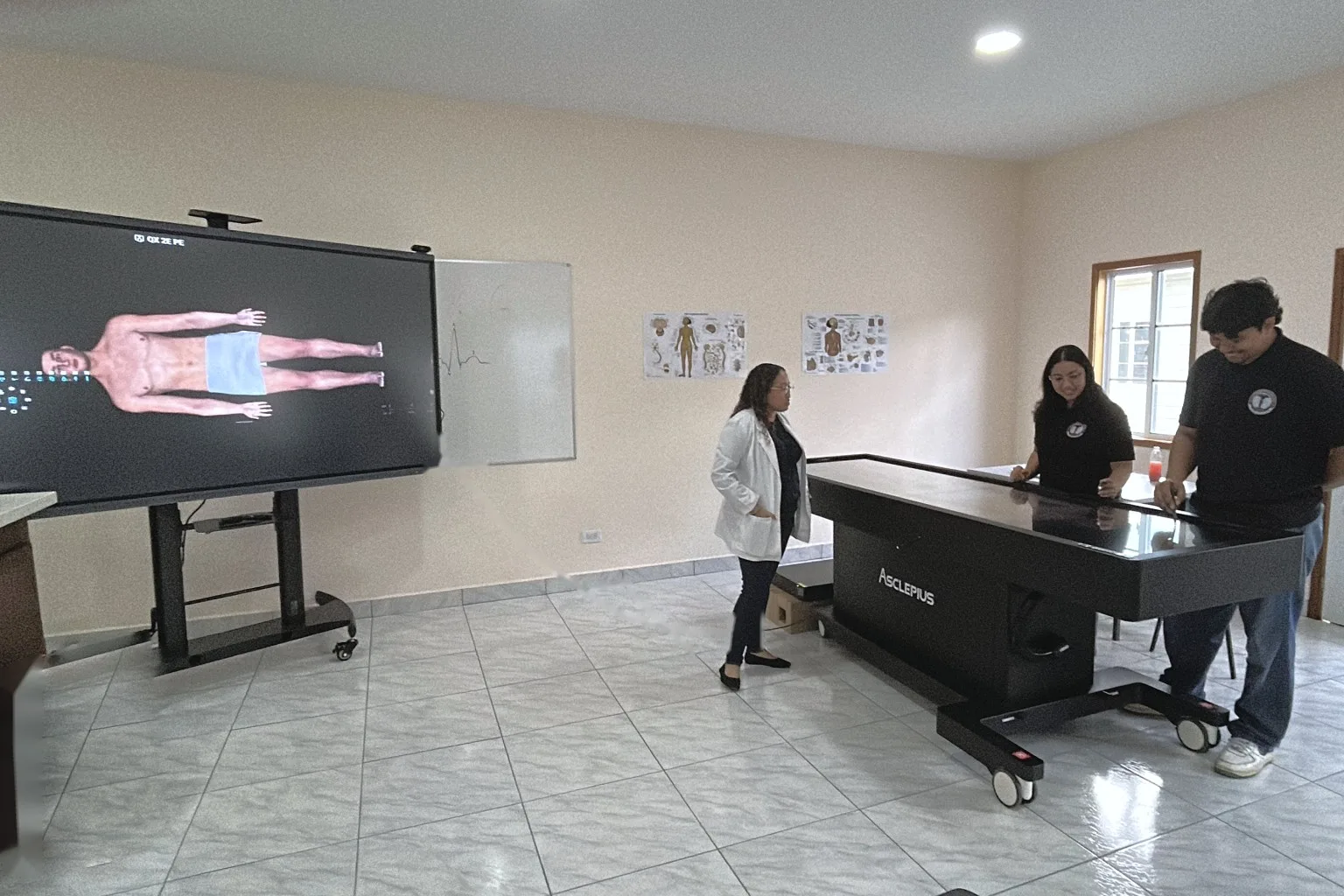
Support for clinical thinking and case analysis
- Patient scenarios — a comprehensive library of real-world medical cases for practising clinical reasoning
- Case-based learning — detailed, customizable patient cases that replicate a real clinical environment: analyze the imaging, name the pathology, defend the diagnosis
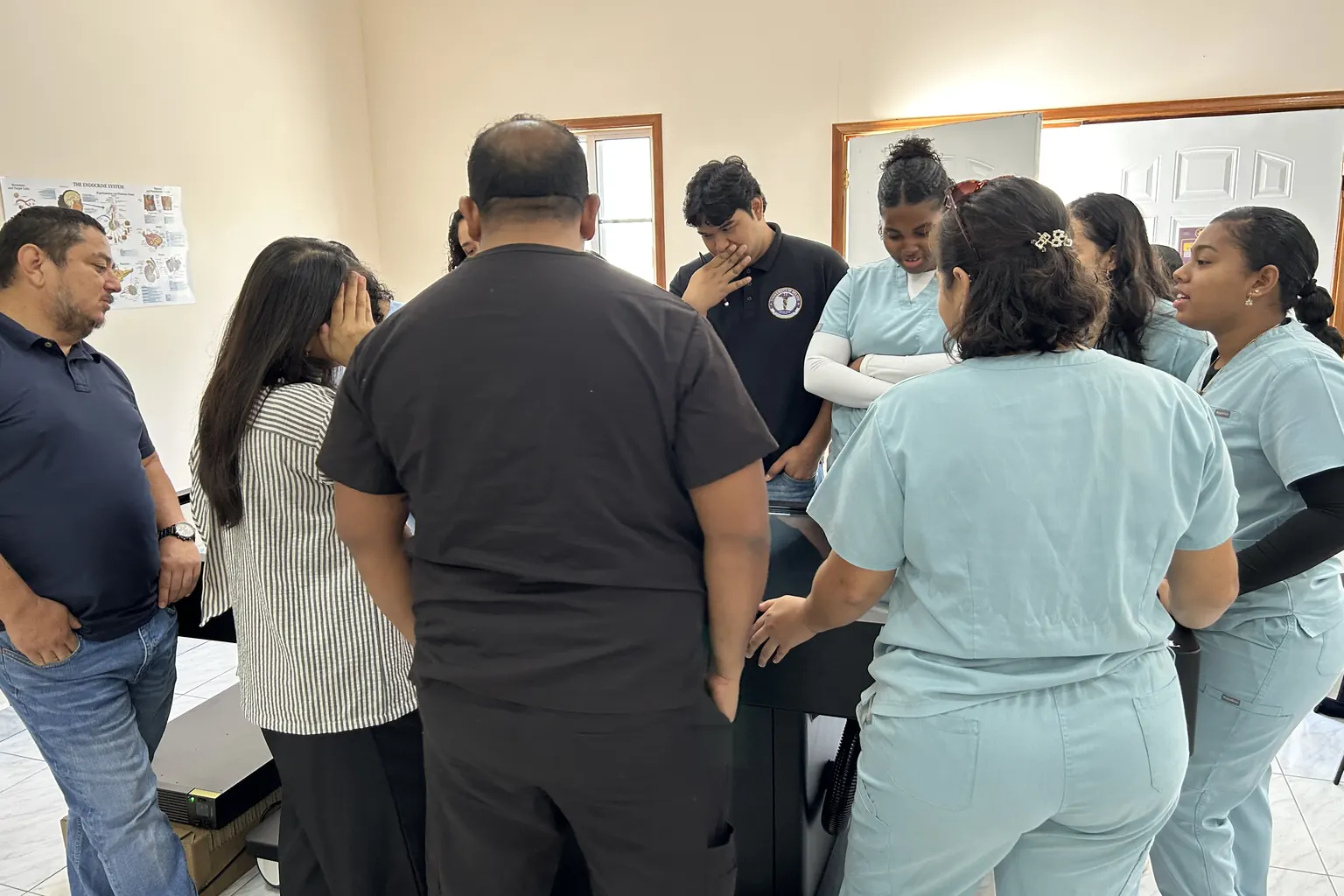
Integration with simulation and imaging
- Import DICOM data — educators upload their own studies and teach directly from them
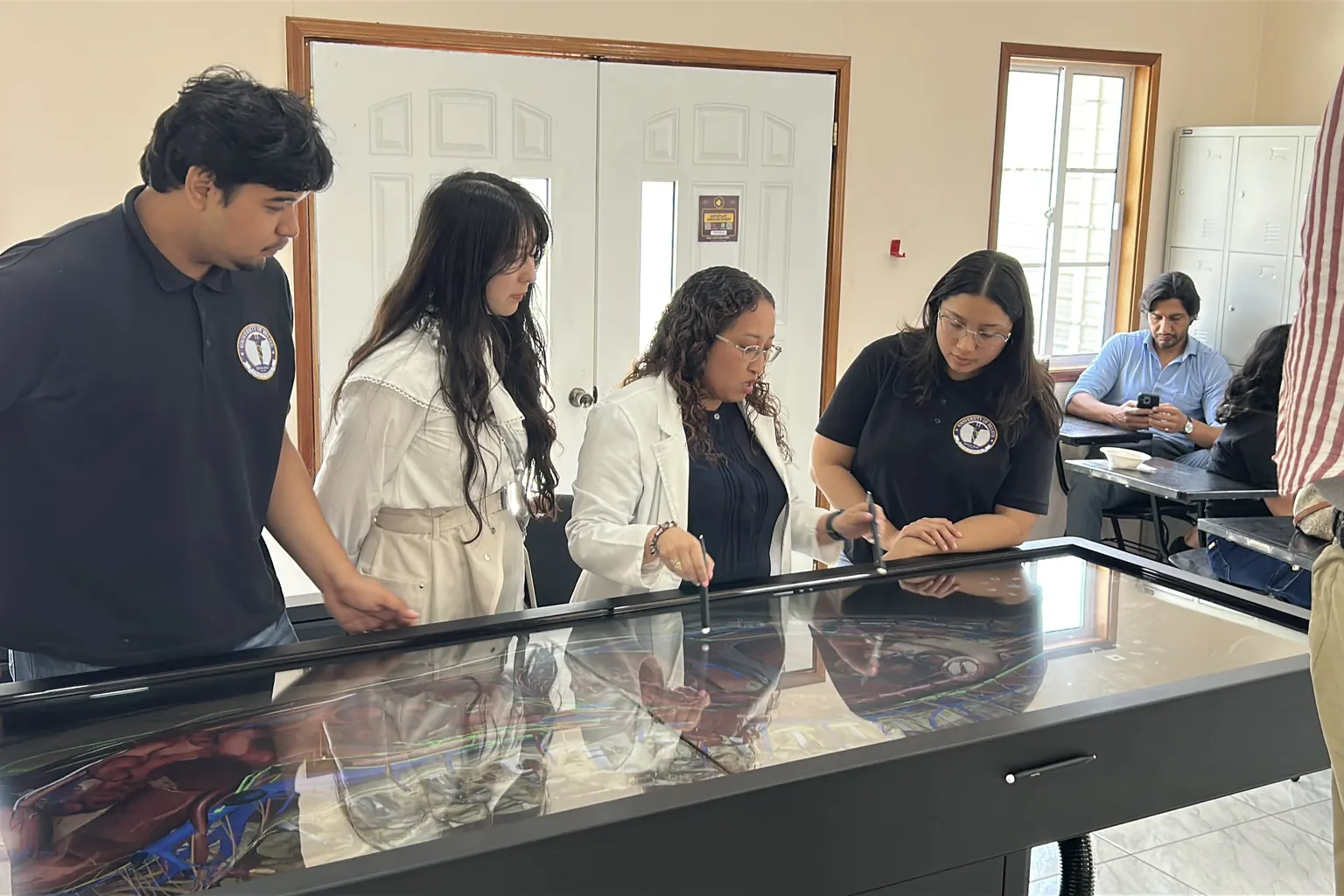
A digital library
No cadaveric resources to source, store or replace. The library is available on demand and updated over time.
Undergraduate Healthcare
Anatomy and physiology for undergraduate programs
Digital anatomy and physiology tools for undergraduate cohorts, in the classroom, in clinical simulation, or for self-study in the library.
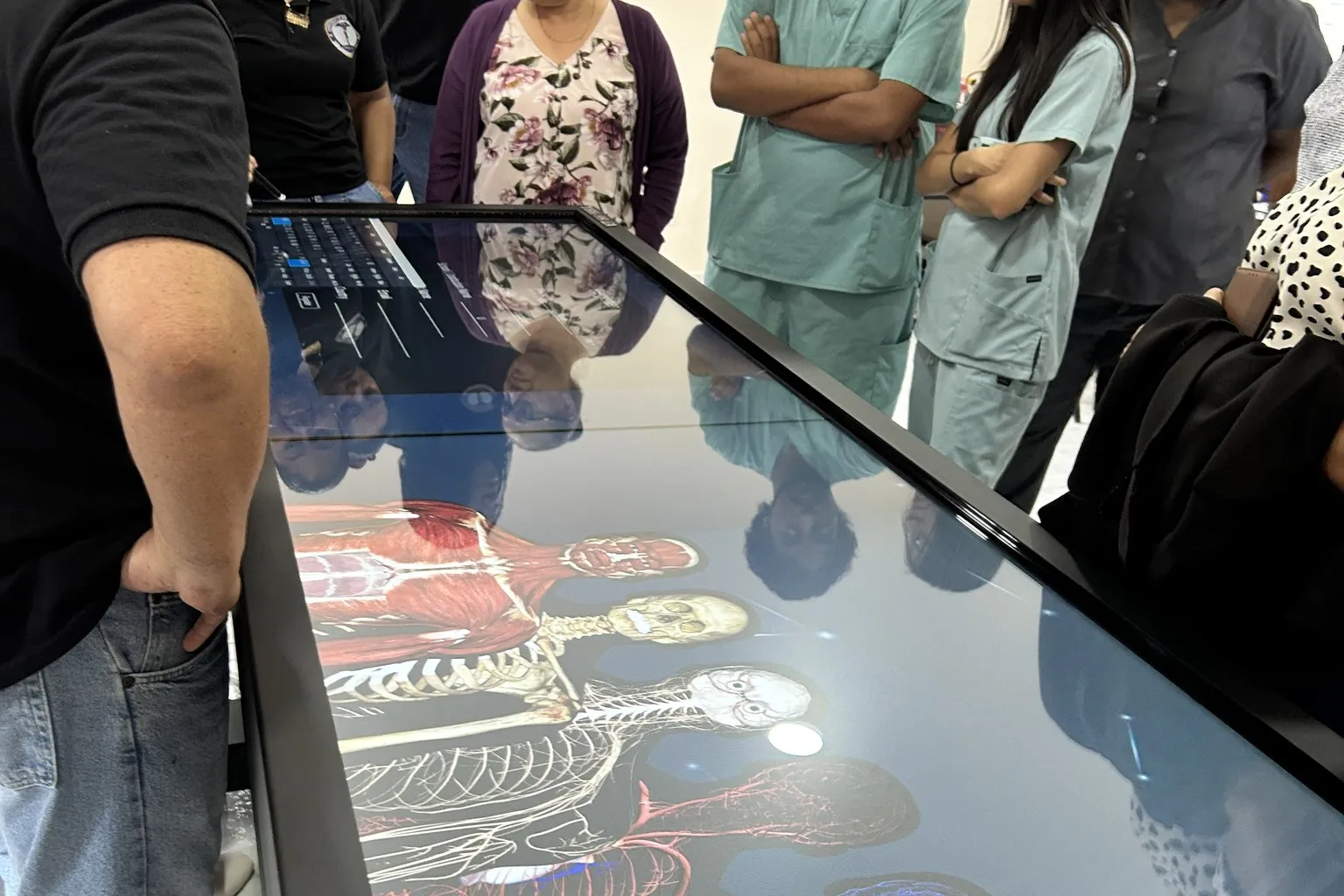
Anatomy and physiology classes
Digital humans bring human biology into the lecture, turning the concepts students usually meet as flat diagrams into something they can rotate and open.
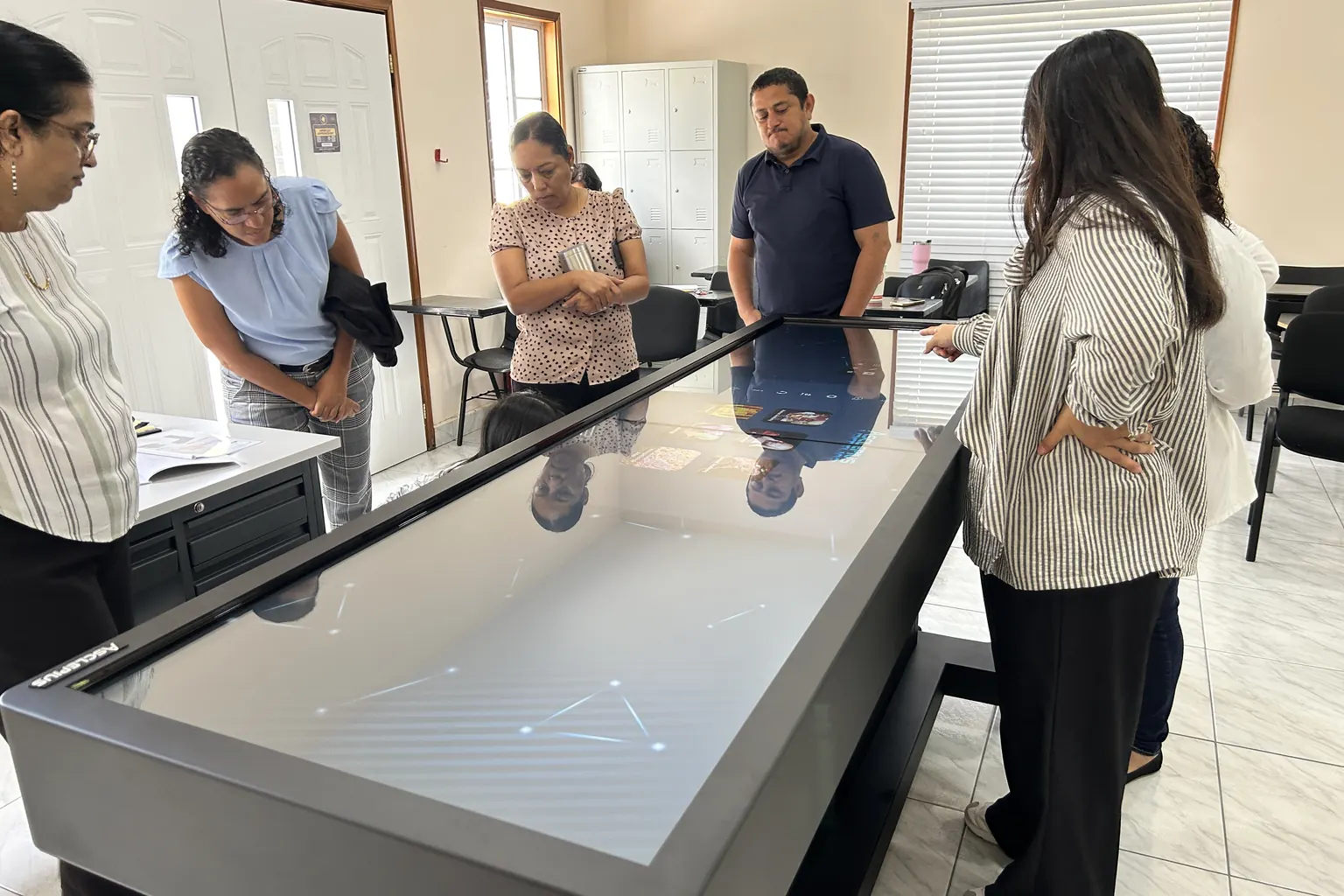
Clinical skills training rooms
Clinical simulations for hands-on practice of essential procedures.
Self-learning centers and library classrooms
Simulated clinical internships
Hospital simulations that reproduce a clinical setting for student internships.
High School & Career and Technical Education
Anatomy for high school health science and CTE programs
Asclepius is used in high school health science courses and in the health careers programs of career and technical education (CTE) centers.
Students at the controls
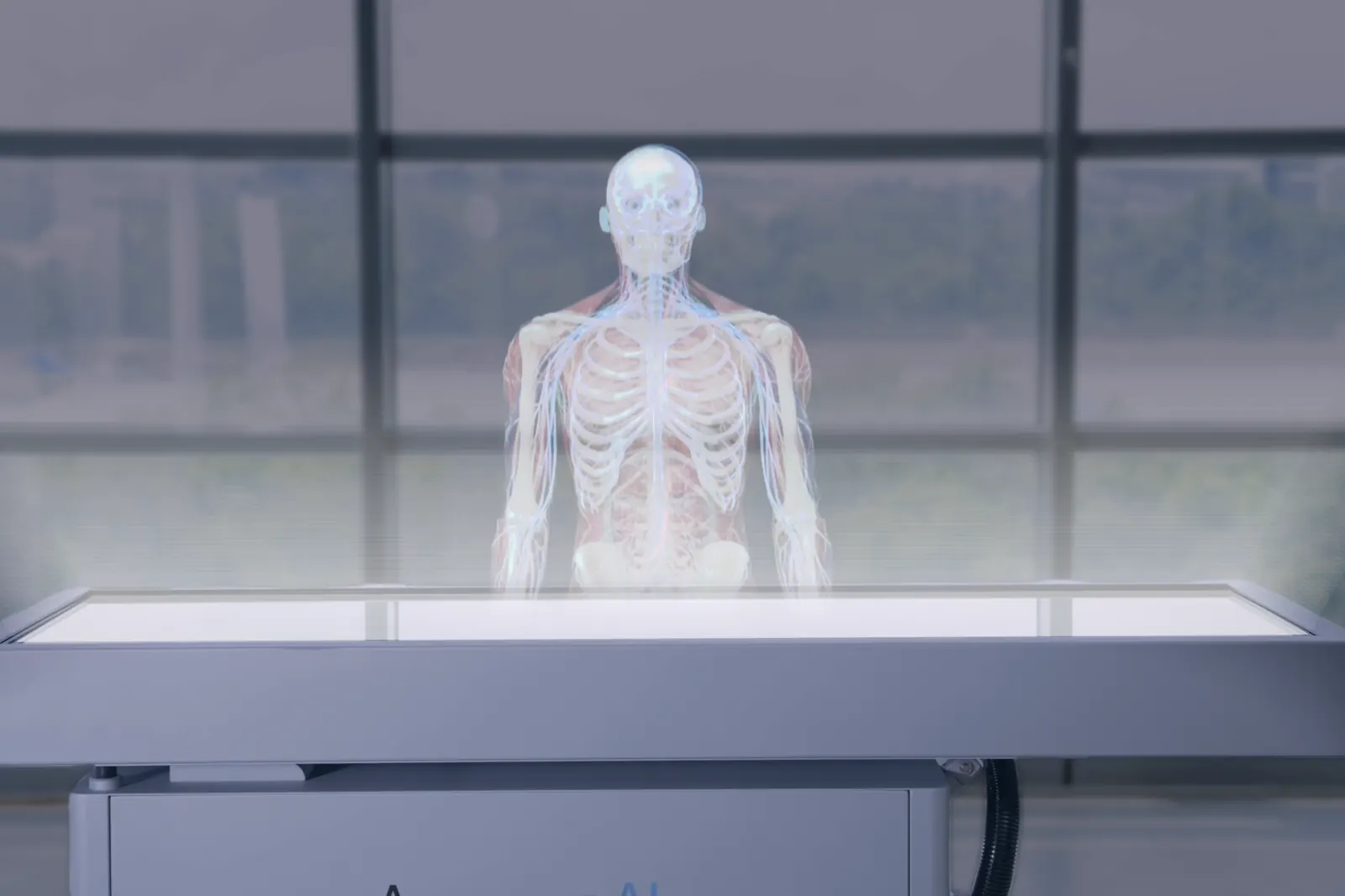
Students can operate the table themselves.
Layer by layer
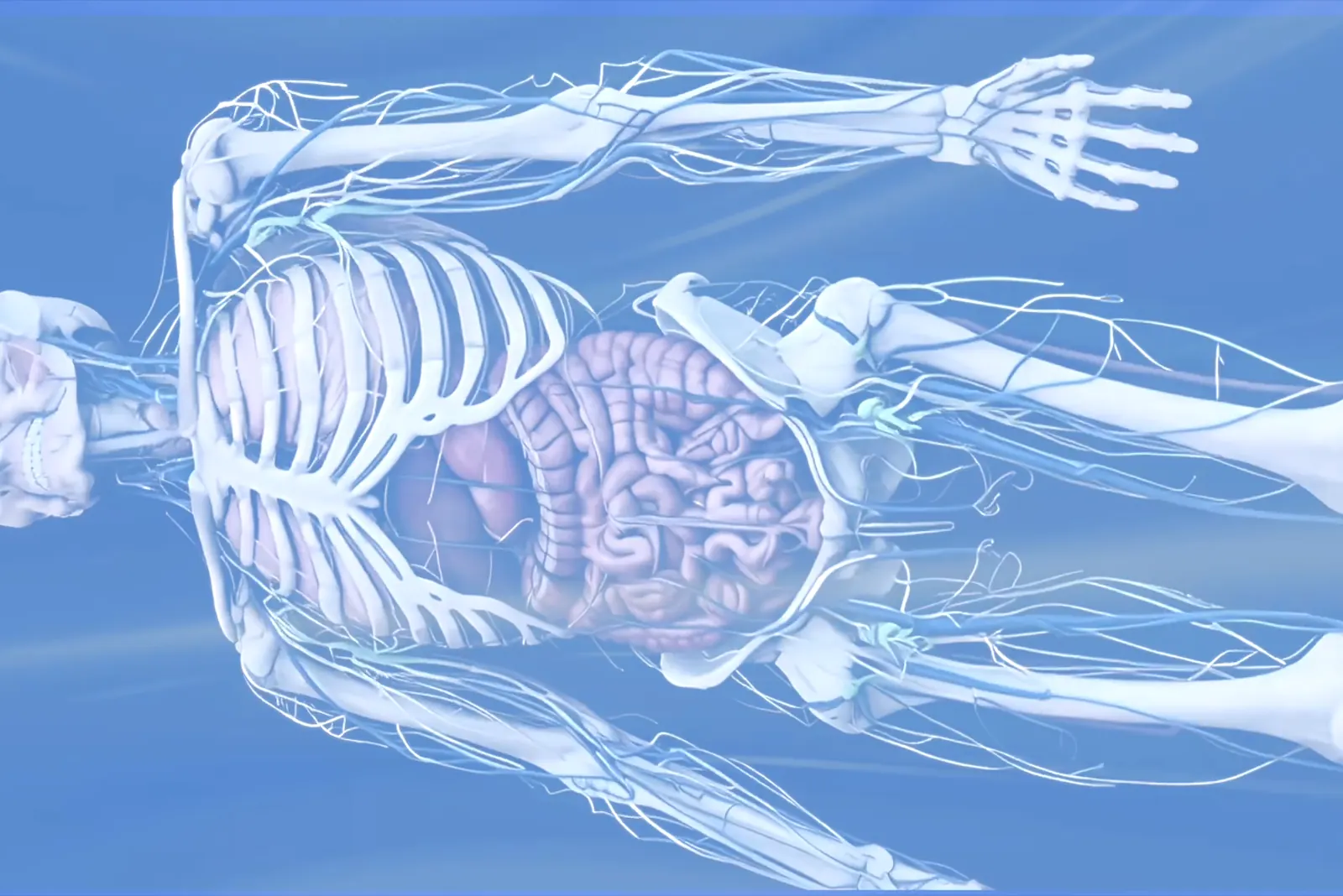
Students explore anatomical structures layer by layer.
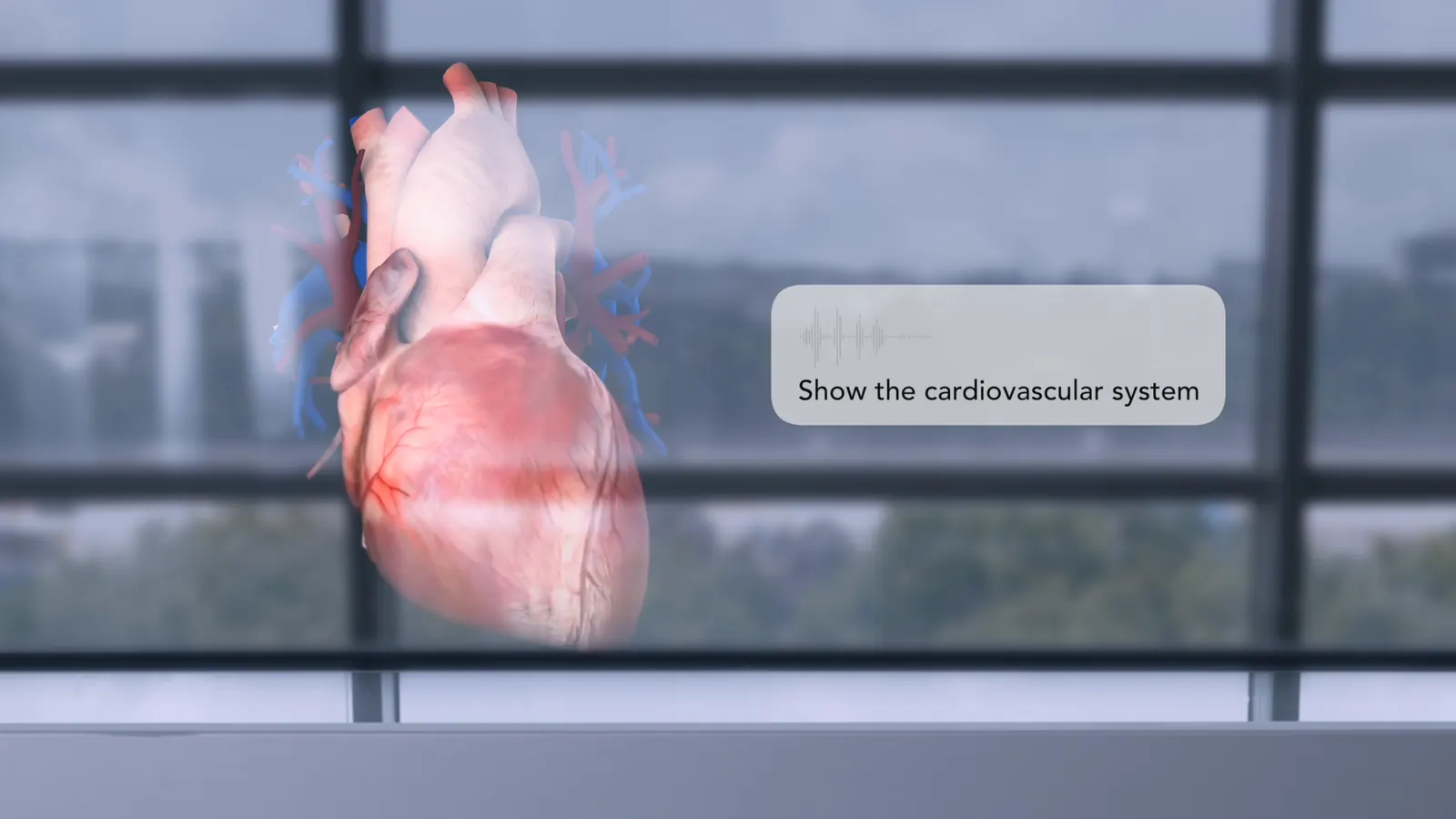
No physical specimens
No physical specimens are needed.
Choosing a Model
Four models to choose from
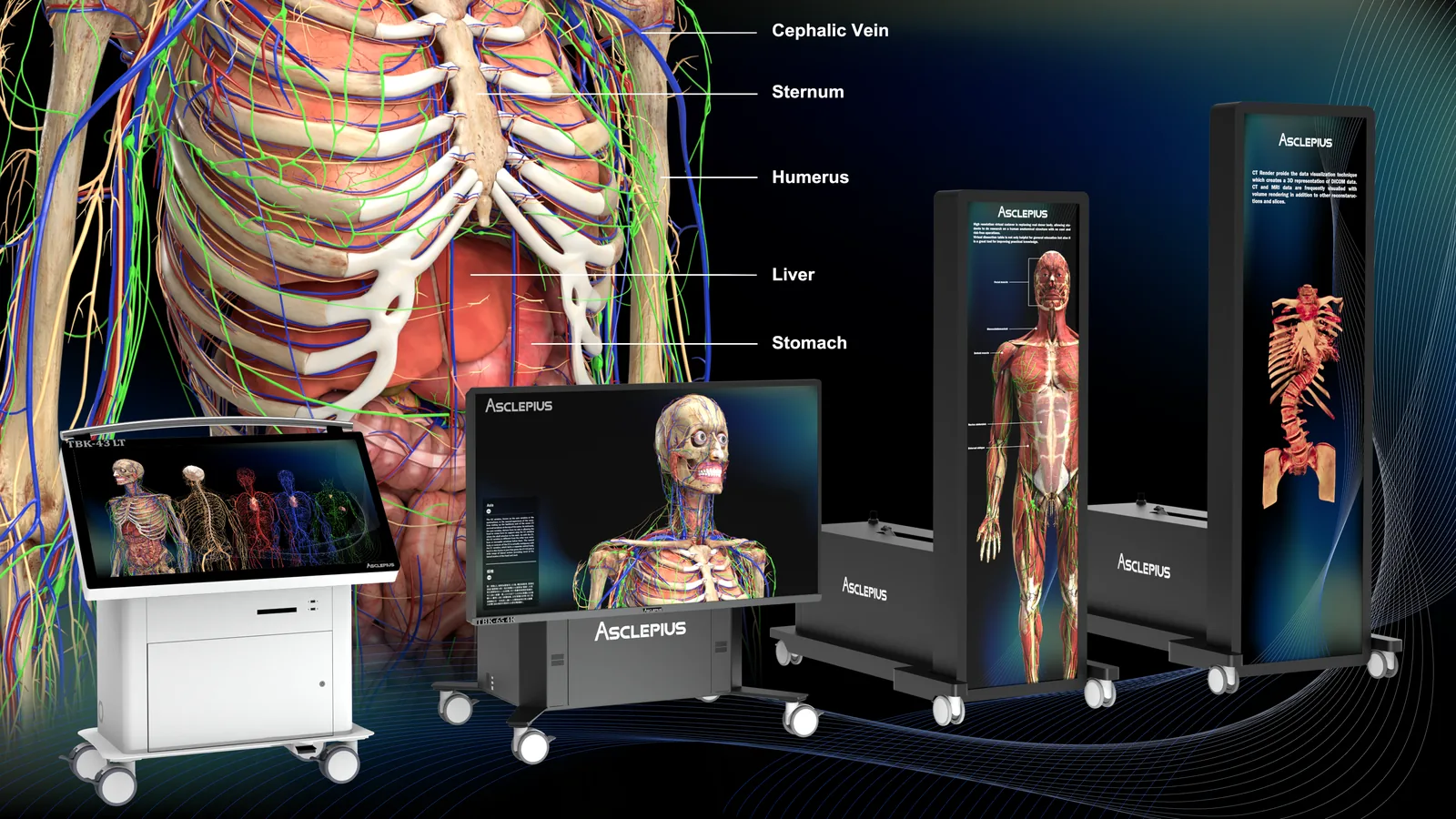
One platform in four sizes, chosen by how many people need to stand around it at once — from a compact lecture table for a small classroom to a life-scale upright screen a whole cohort can see.
- TBK-43 LT — lecture table, 2–4 people. The most compact model, light enough to be wheeled between rooms
- TBK-65 4K — small group, 5–7 people. Suited to histology and pathology slides
- TBK-84 EA — larger group, 7–10 people. Rises from flat to upright on a single button, for classrooms and anatomy laboratories
- TBK-99 EA — large-scale course, 7–10 people.
Talk to an expert
Tell us who you teach
A simulation center, a medical school, an undergraduate program and a high school health science or CTE program each need a different model and a different software set. Tell us the audience and the size of your classes and we will show you the combination that fits — online, or on site with the table in front of you.