
Animal Anatomy
Animal anatomy in 3D, ready for class
Complete dissection systems for a range of animals, on a touchscreen a whole class can gather around.
In the software
What you can do with each species
- Switch species — choose from a range of animals on the start screen
- Show and hide body systems — and search for a structure by name
- X-ray overlay — see a structure in place inside the body
- Cutting tools — straight, circle and freeform cuts
- Three-axis sections — view the anatomical structures along three anatomical axes
- Names and descriptions — click a structure to see its name and description
- 2D and 3D notes, and a ruler — annotate the anatomical structures and measure between two points
- Save and load — keep a teaching state and open it again in the next class
On screen
Screens from the software
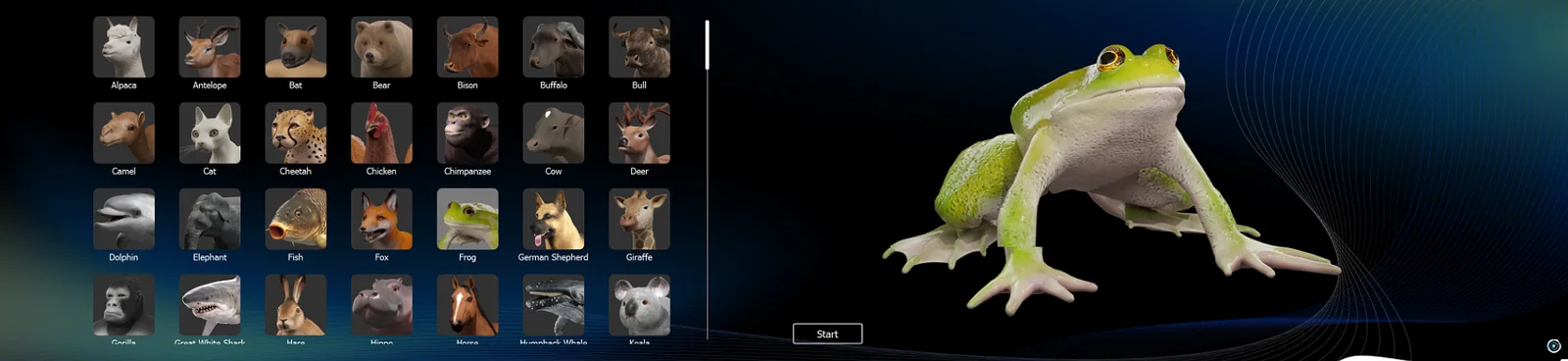
Choosing a species on the start screen.
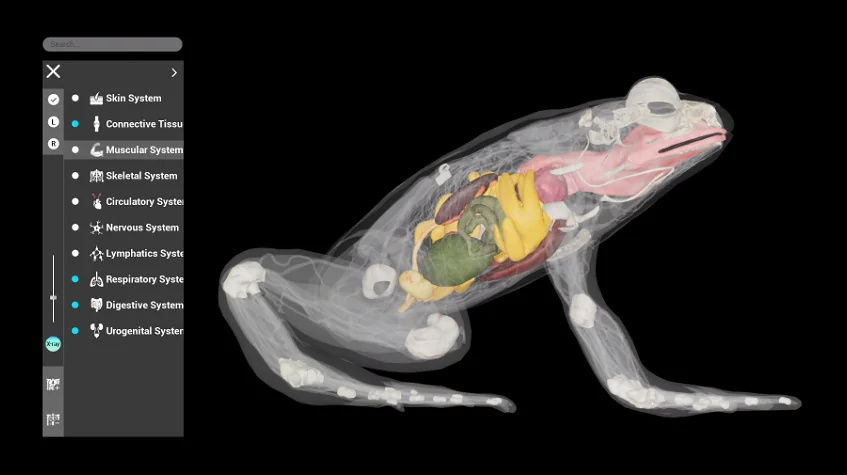
Showing and hiding body systems.
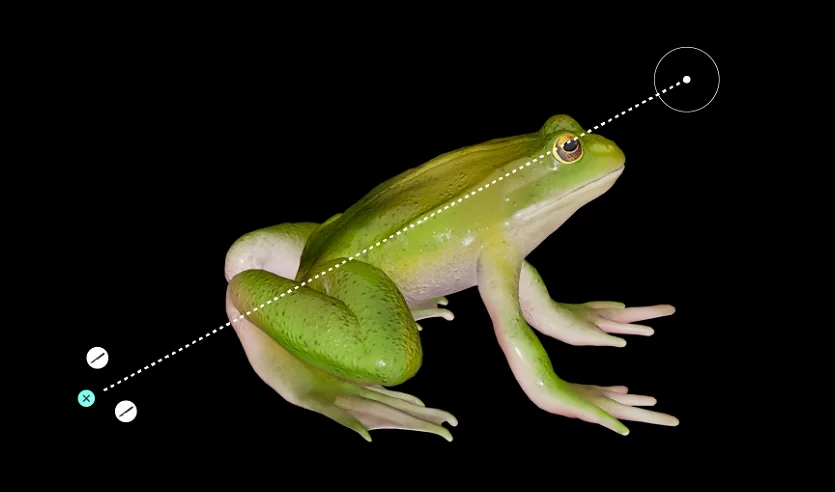
A straight cut drawn across the frog.
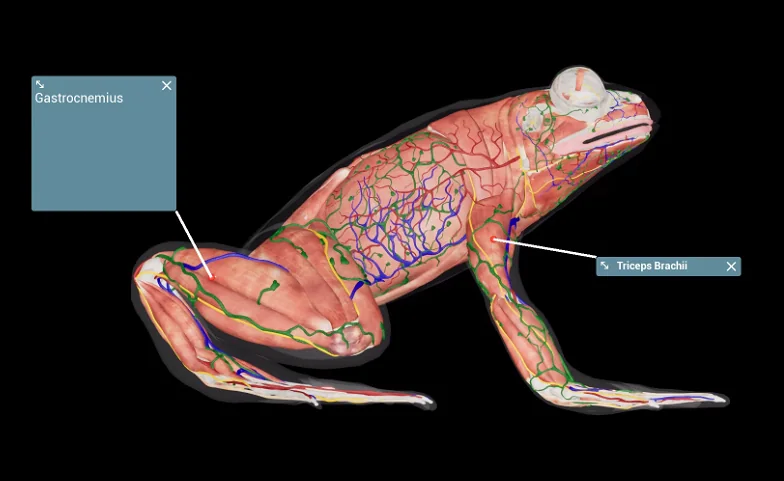
Structure names shown on the anatomical structures.
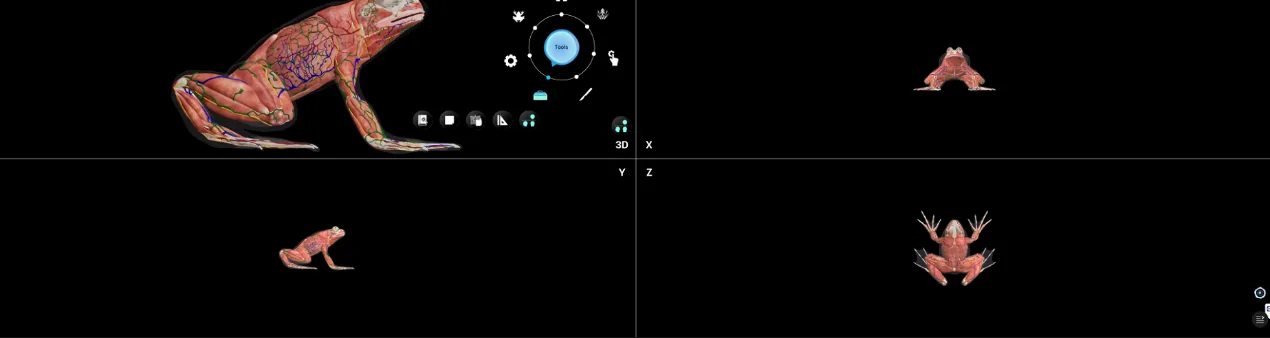
The three-axis view.
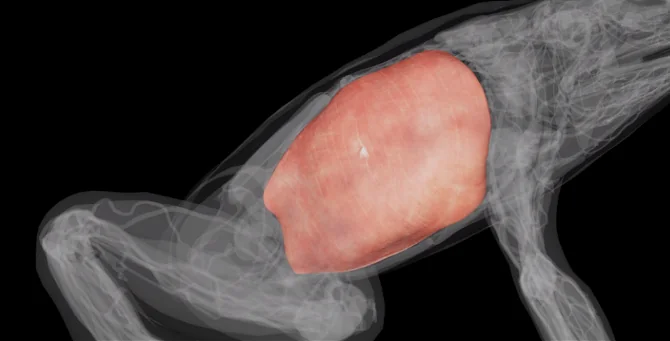
The X-ray overlay.
Talk to an expert
See it in your own teaching room
Tell us about your program and the size of your classes, and we will show you which model fits — online, or on site with the table in front of you.